Hello, this is Revenant. Today I got my B&O H8 back through RMA, so I'm posting this review. When I first went to post a review, I couldn't find any articles to reference, so I was a little worried, but I ended up getting the service done without any trouble. With so many people doing overseas direct purchases these days, getting RMA service when you can is becoming a must, and I think it's fortunate that B&O also offers RMA.
B&O has an official importer in Korea, and this importer only provides service for products purchased in Korea. There was a review saying that for items bought from the official B&O seller on Amazon, they'll do it if you bring the receipt (invoice), but since I don't live in Seoul, I couldn't go to the center in Cheongdam in person. On top of that, I direct-purchased my H8 from eBay, and it wasn't from the official Amazon seller, so I had no choice but to go through RMA. I'm posting this thinking there must be many people in a similar situation to me.
So, let's look at the procedure step by step.
1. Go to the official B&O website and apply for RMA
I was trying to apply for RMA for a B&O PLAY product. The application page supported the following languages ( English, German, Spanish, French, Chinese (Mandarin), Danish). So I'll attach the English page alongside.
https://service.beoplay.com/beoplay/?lang=en-EN -> If you click it, the warranty page appears.
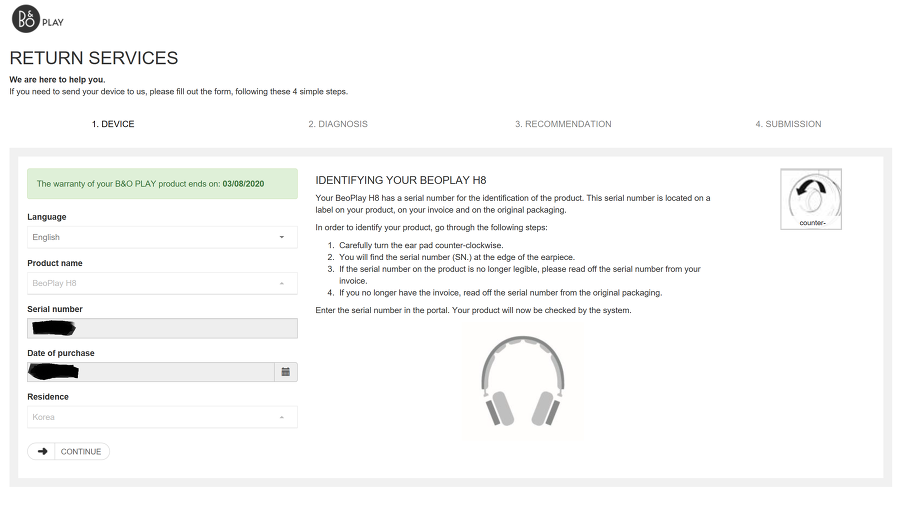
The current state is the situation right after I entered the serial number, entered the Date of purchase, and pressed CONFIRM below. When you press CONFIRM, it changes to CONTINUE like that. When you press CONTINUE, the screen now changes to DIAGNOSIS.
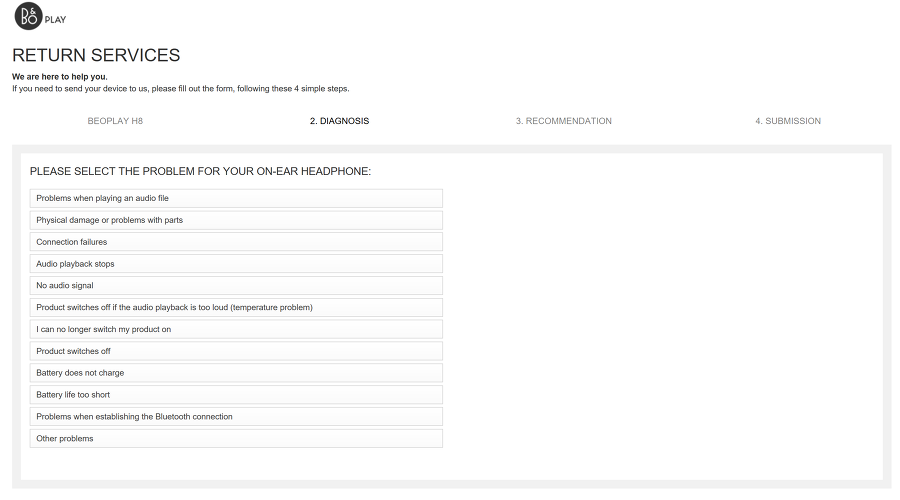
Literally DIAGNOSIS - it's asking you to choose the product's problem symptom. In my case, none of the symptoms above were exactly right. The problem with my H8 was that one earpad was no longer tightly fixed and had become loose. So I clicked the closest one, the second item, Physical damage or problems with parts.
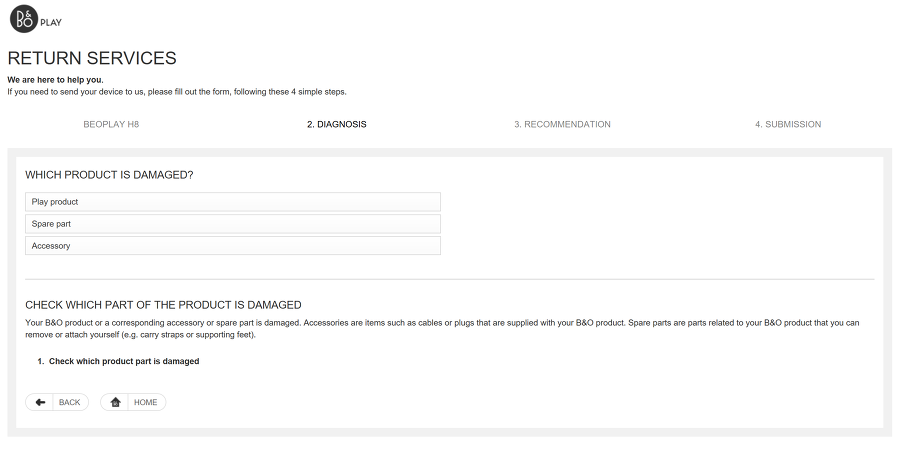
Play product refers to the product body, and Spare part, in the case of the H8, would be the earpads or battery - parts that can be replaced. And as for accessories, the accessories the H8 came with were the wired headphone connection jack and the charging USB cable; since my problem wasn't a Spare part but the Play product, I clicked Play product.
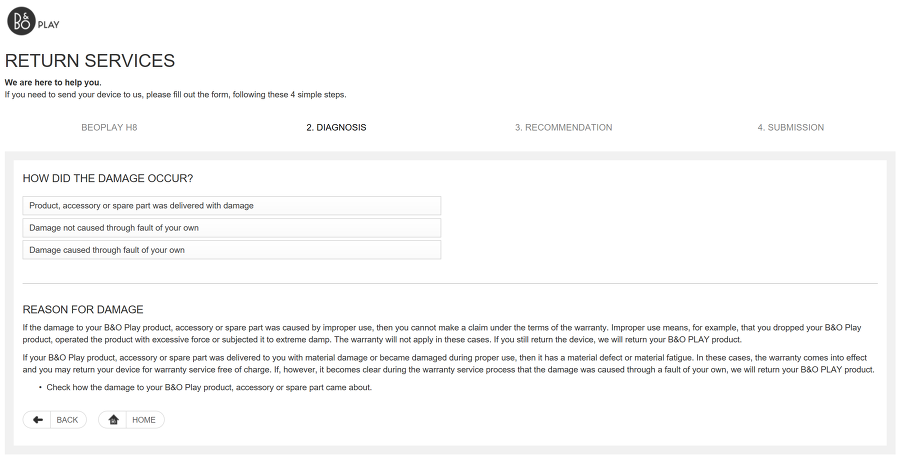
The first item means the product arrived broken, the second means the product broke even though I didn't do anything, and the third means the product broke because of me. The third case can usually be seen as damage due to user carelessness. I treated my H8 very carefully, and since the earpad had loosened for no reason, I chose the second one, Damage not caused through fault of your own.
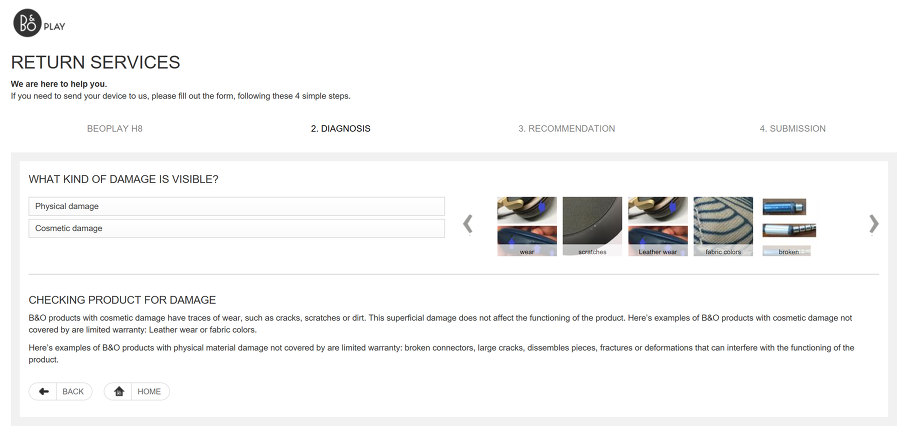
B&O had categorized Physical damage and Cosmetic damage. In my case it was Physical damage, so I clicked Physical.
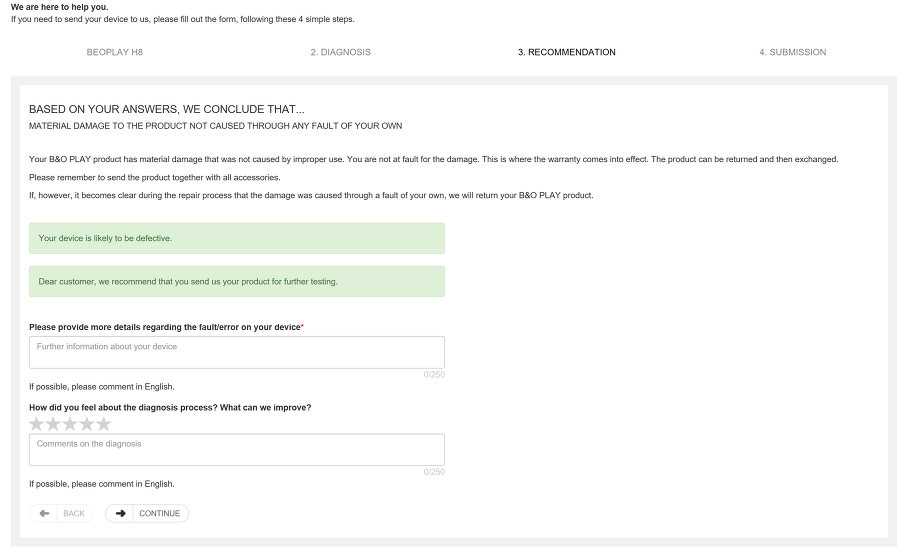
Enter the symptom in English and then press CONTINUE. In the first field you write the symptom, and in the second field the desired improvement; in my case I asked them to re-tighten the earpad. Write it all in English and press CONTINUE.
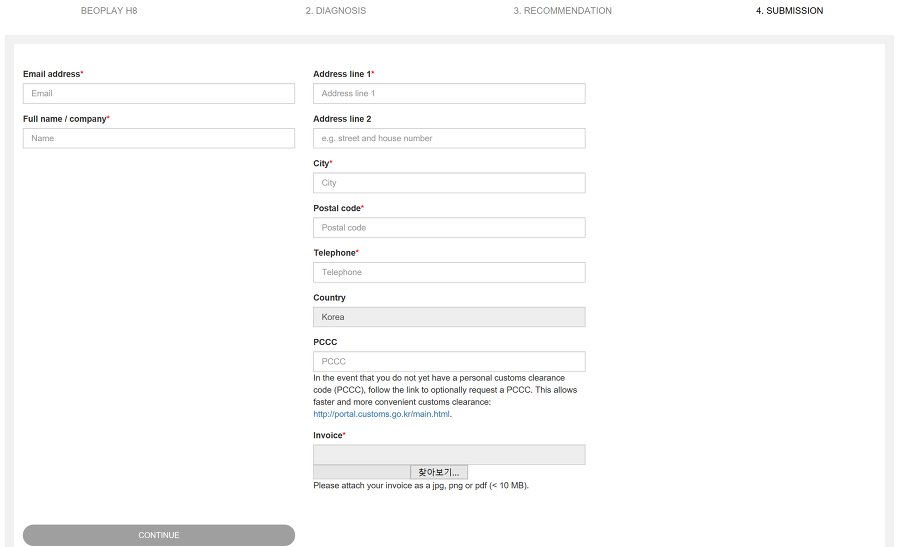
A screen like this appears. Once you get here, you're basically almost done. The email address is very important. That's because they send the MSDS document, return label, and Instruction (product packing guide) all by email. Write your name as is, and enter your address in English. For the phone number, I recommend leaving out the country code +82. That way they'll be able to reach me. PCCC is the Personal Customs Clearance Code. You all probably know your Personal Customs Clearance Code that starts with P, so enter that, and for Invoice, attach the purchase record/receipt of your purchase. Do that and press Continue, and an email containing the return label, instruction, battery label, and so on comes to your email address.
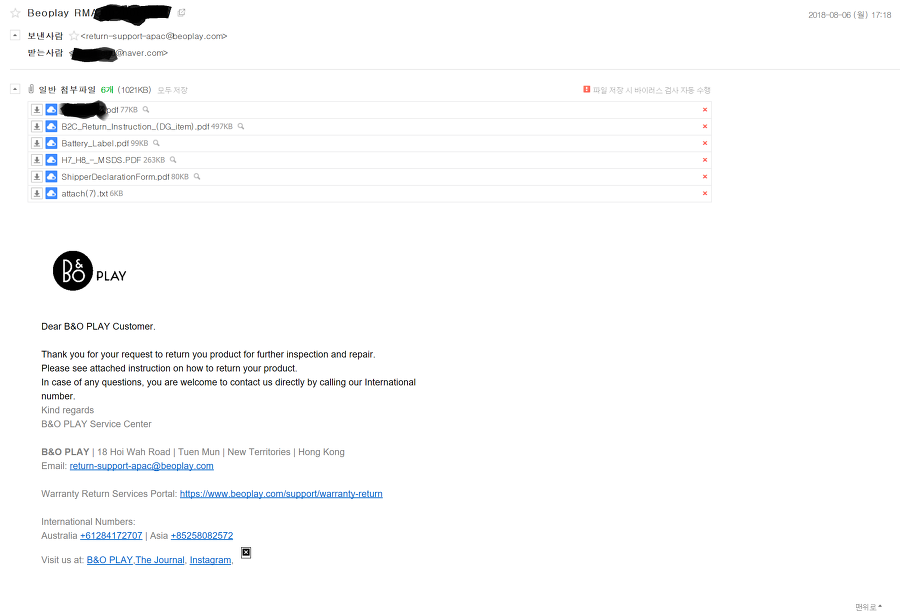
File 1 is the Invoice containing my return label. Receive it and print it out.
File 2 is the return guide. Receive and print this too. (If you're not going to read the article)
File 3 is the battery label. The reason the battery label is needed is that in my case I had to ship a product containing lithium-ion. If your product doesn't contain a lithium-ion battery, there's no reason to print the battery label, but since you entered your product at the start, if your product is one that contains a battery, a label like that will definitely come too.
File 4 is the MSDS. It's a document that guarantees the stability, or the specs, of a product containing a battery. I printed this too since it's needed.
File 5 is the ShipperDeclarationForm, which you receive, print out, and then sign.
File 6 was a txt that wouldn't open even when opened. This turned out not to be needed.
Once you've printed all the files, you'll need some supplies.
Supplies: a box to pack the product in, the accessories that came with the product (e.g., power cable), and printouts of the documents attached above.
(From here on you can also refer to the Instruction files.)
1) First, put the product into the box, attach File 1's Invoice along with it, and pack the box. Page 1 of File 1 is the return label, so it's the page to attach to the outside of the box, and pages 2 and 3 were the Invoice.
2) To fill out the MSDS for your product, print out the ShipperDeclarationForm. And since you need to know the Declaration that fits your product, refer to the Instruction.
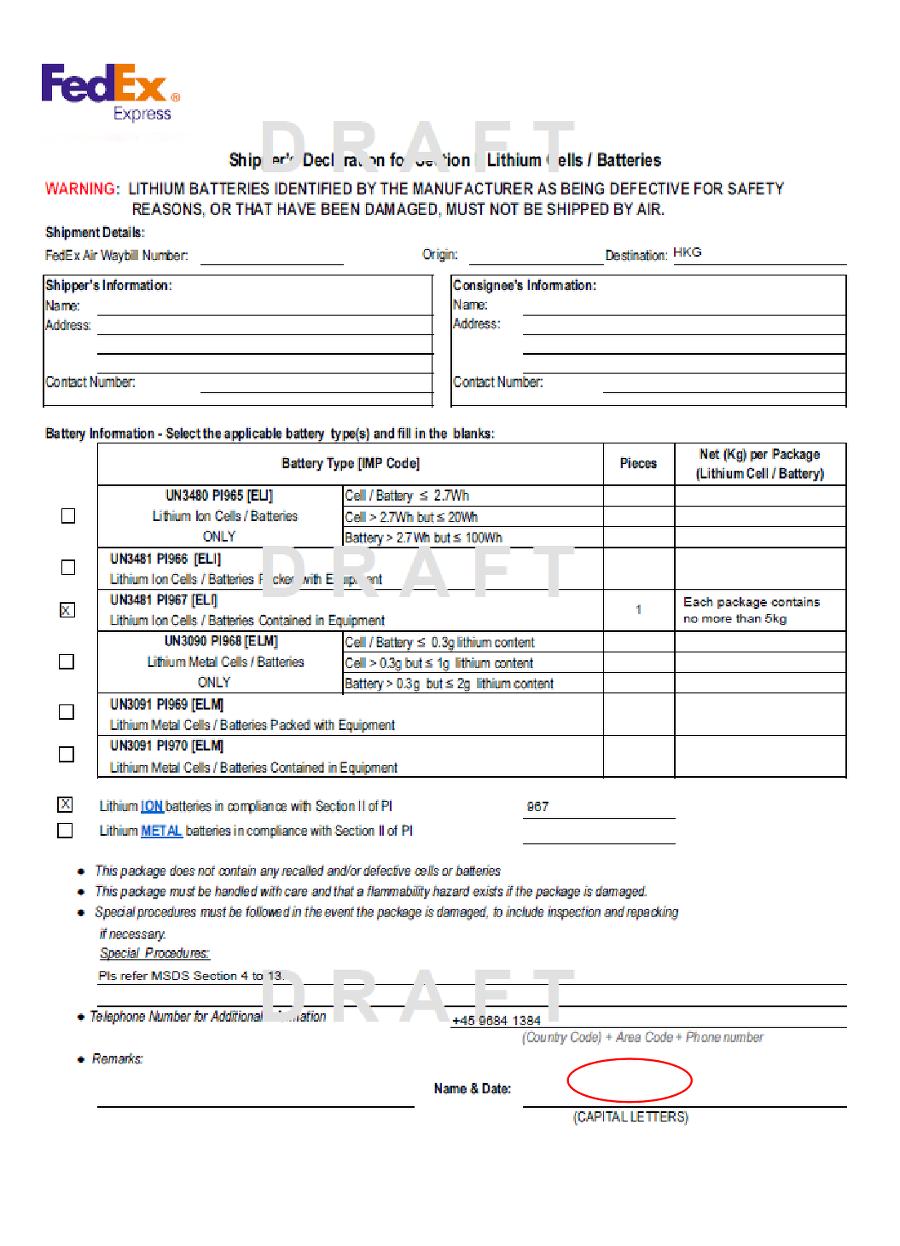
It has DRAFT stamped as a watermark. This is a sample. But you have to refer to this. When you print the ShipperDeclarationForm, nothing is checked and the Pieces and per Package fields are empty. Check off the ShipperDeclarationForm referring to how it's done on the DRAFT, and in the Name & Date at the bottom right, write the date and signature. I signed first, and entered the date in day/month/year per the English convention.
After that, print one copy of the MSDS.
And then pack it up.
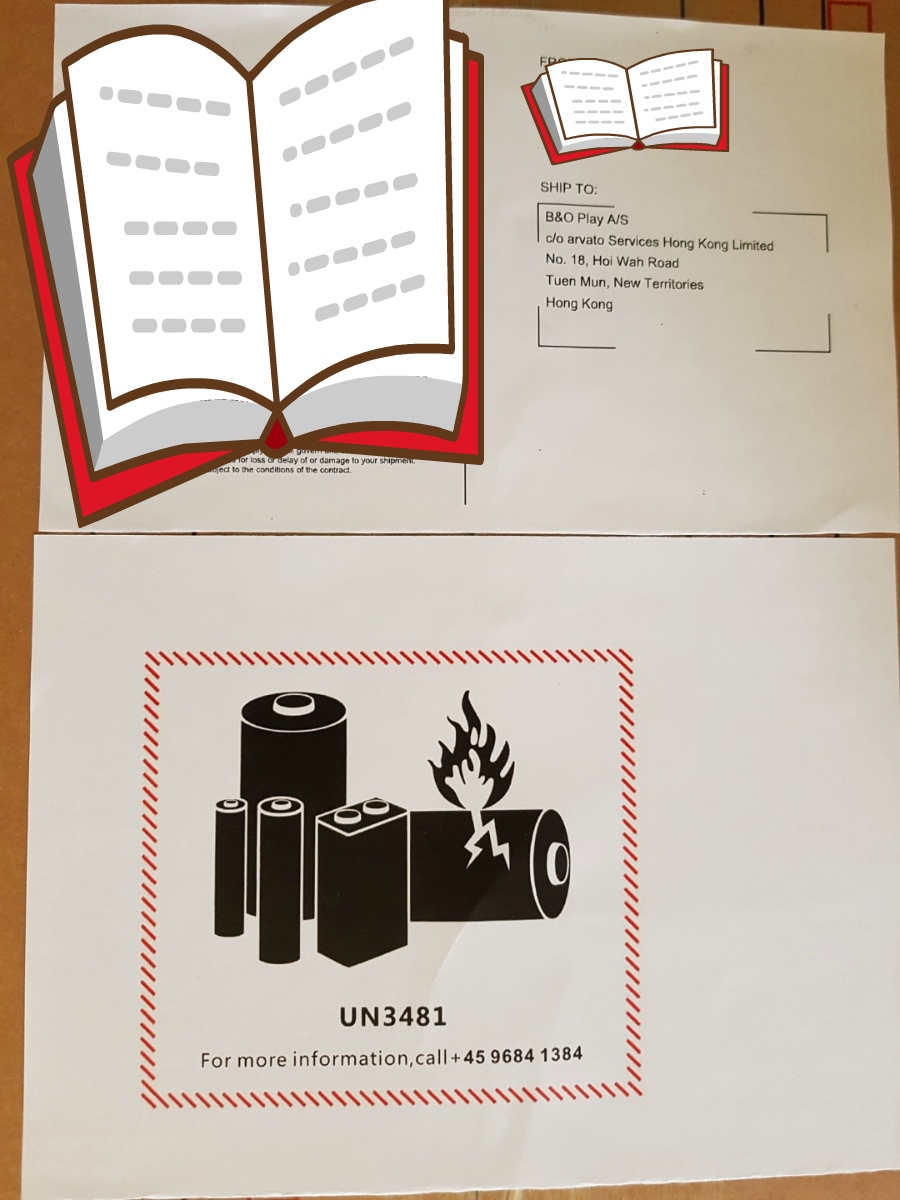
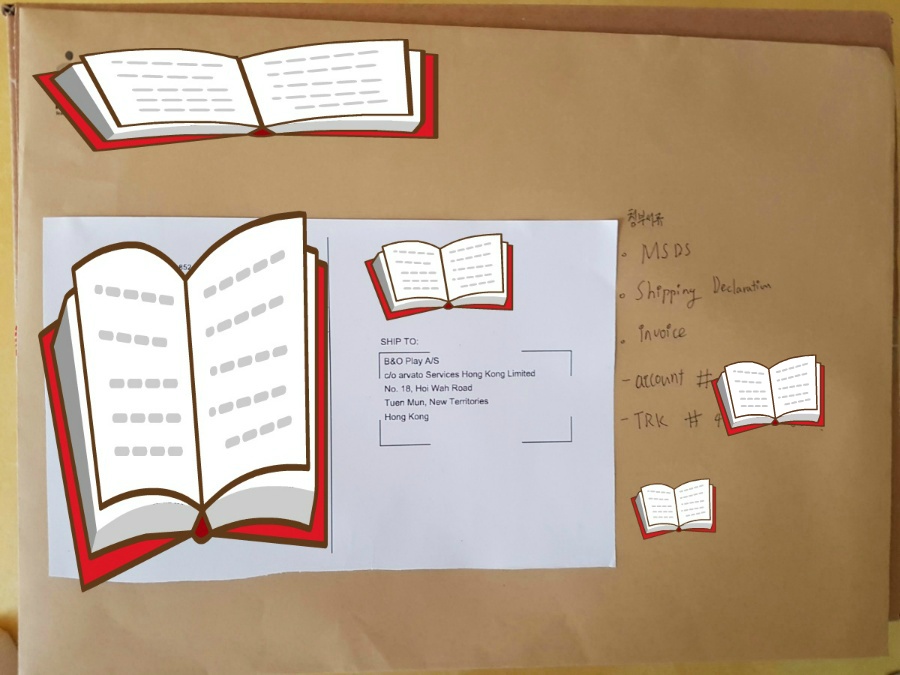
The photo above is the top of the box. I attached the return label and the battery label. For the battery label, you have to attach the third email attachment. It's a different one from the battery return label attached to the Instruction. The battery label must absolutely be printed in color. Attach the return label and battery label on top, and I put the documents that need to be sent along to FedEx separately in a document envelope. What's originally said to be needed are the MSDS and the Shipper Declaration Form. I put in the Invoice just in case. Separately from the Invoice that absolutely must go inside the box with the product, I attached one more. In case there might be a tax issue. And then attach it.
And then you call FedEx. - The Korean phone number is 080-023-8000. After calling, say you want to do an RMA and get connected to a representative; we already have a customer number/tracking number on the return label. You just tell them one of the two. And then book a pickup.
- For reference, the area I live in doesn't have a FedEx direct branch, so the documents had to go along by being handed over to another courier company; in that case I attached the document envelope under the box and asked the driver to send it along. In areas where you can hand it directly to FedEx, you just give it to the driver along with everything else.
After that, once you send it along with the documents, you're basically done. For reference, the ShipperDeclarationForm also has to be printed in color.
2) To summarize, after packing the product, attach the battery label, MSDS document, and invoice document, then call FedEx and hand it over.
I got a call from FedEx. Asking how they should do the export declaration.. In my case I had no knowledge about this part. Does a repair product also have to be export-declared.. so I asked them to do it as a sample.
3) Track to check whether it arrived safely at the service center (in my case I sent it to Hong Kong).
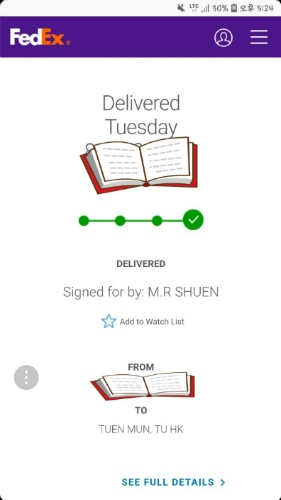
I sent it late. I'd received the return label on August 6 but only booked the pickup on the 18th and shipped it on the 19th. Once it arrives like this, you're basically set. After that, it goes as follows.
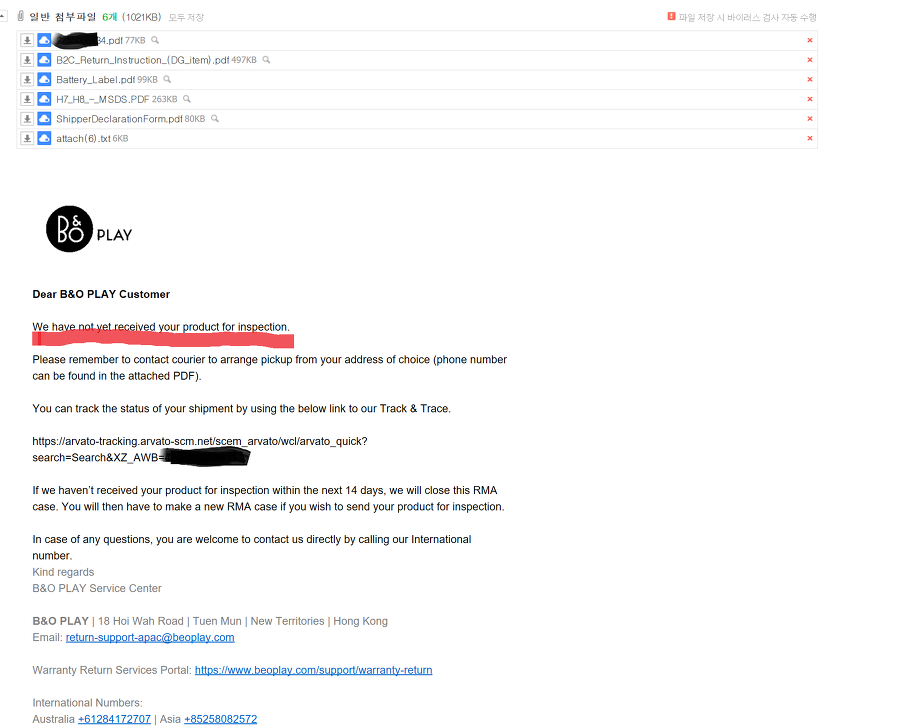
The email that came when I hadn't sent it yet
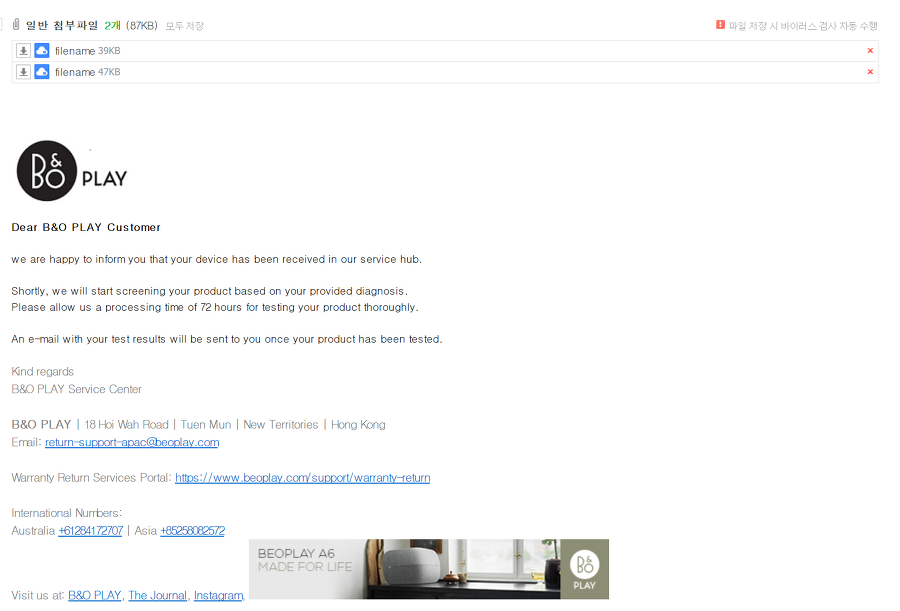
4) Check email (if it arrives, an email comes saying it arrived. FedEx took 3 days to arrive. My product arrived.
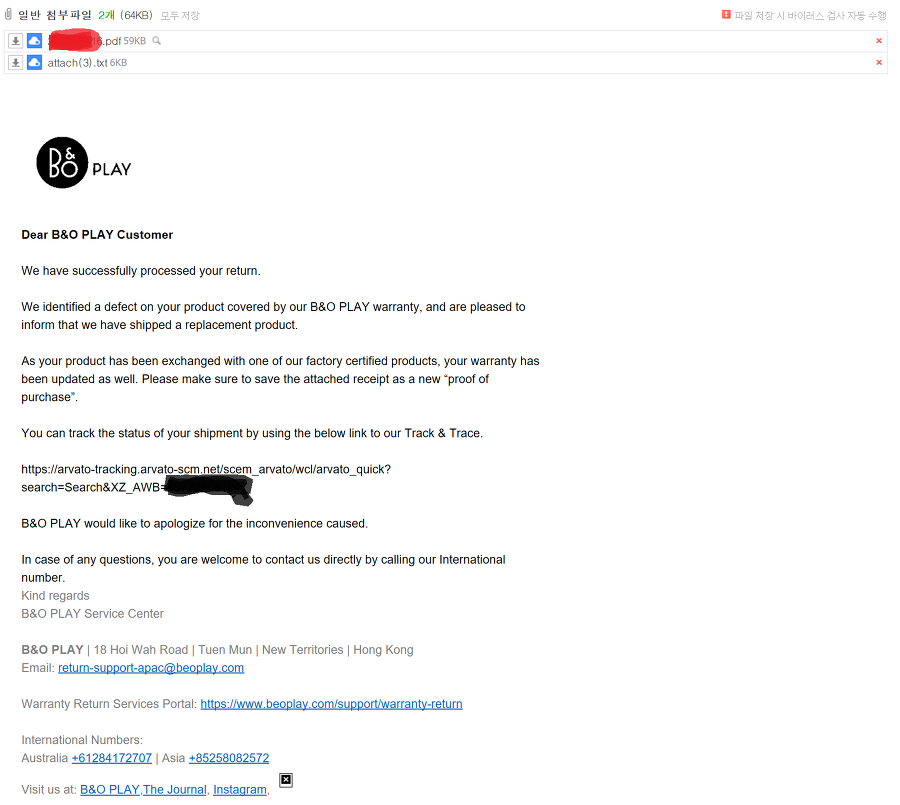
5) They said they shipped my product back. They shipped it Monday and I received it Thursday. If you're curious about the tracking status, you can open the link below Track & Trace.
After that the product came via FedEx. Documents came in the box along with it - there was a return label and a new Invoice, and this invoice has now become a document I need to keep safe. Because if I need service again next time, I'll need it again.
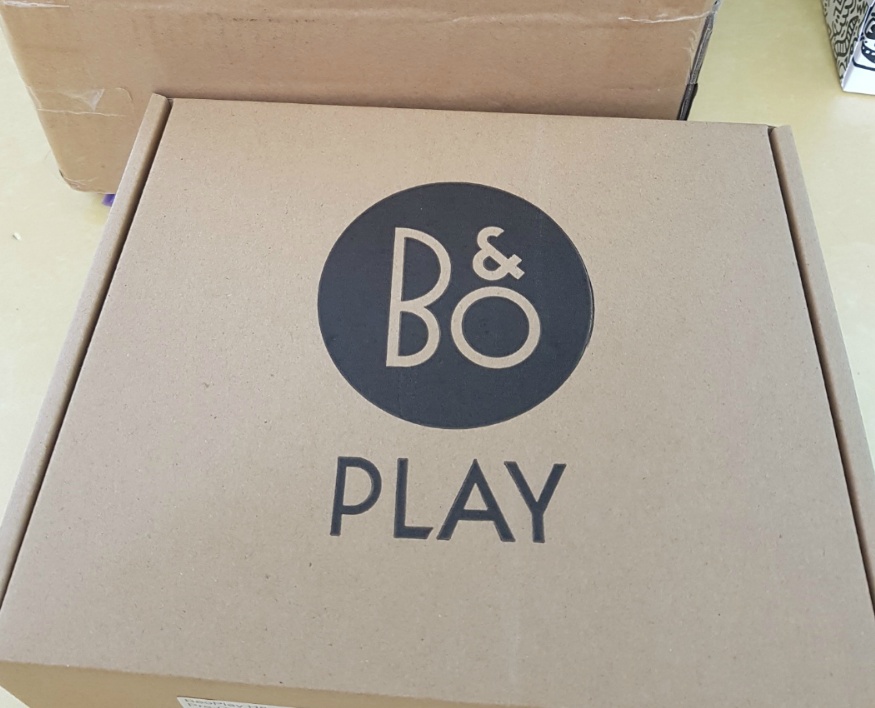
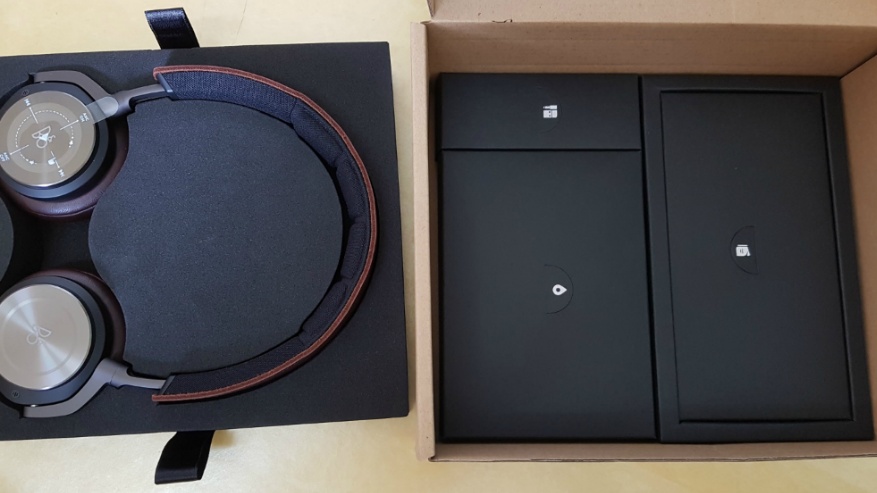
It arrived safely. It was decent service. The amount I invested to get this RMA was 800 won for color printing (since I don't have a color printer at home) and 400 won for the box. That was because it was a symptom covered by free repair, and I think if you're not experiencing a problem due to a product defect like me, there would be costs. In my case, since it was covered as a free repair, the warranty was extended. (Until 2020)'
Thank you for reading. If this was helpful, please leave a comment or click the like/recommend button. It gives me a lot of encouragement.
Comments 0
No comments yet. Be the first.