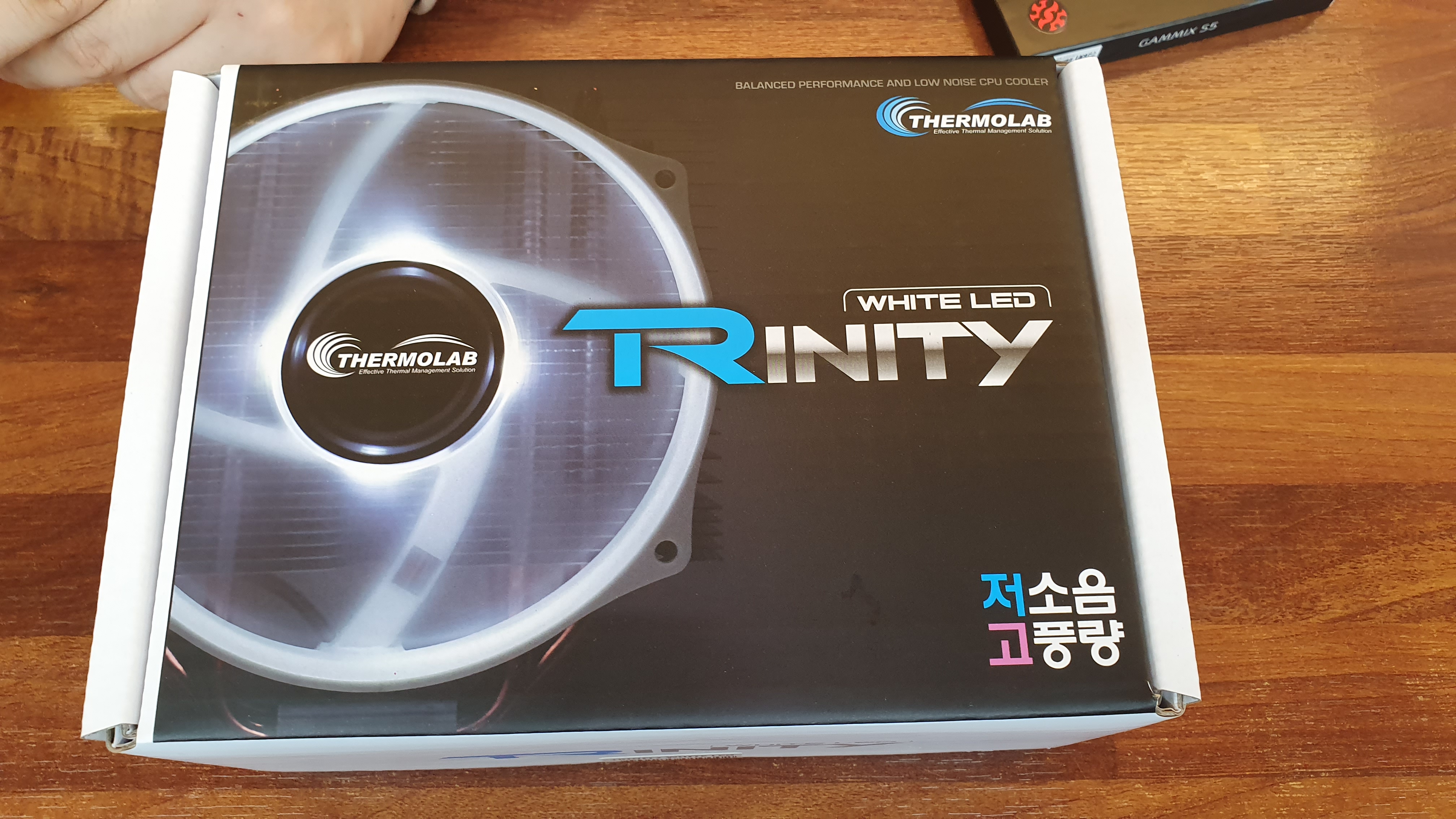
1. I got a Thermolab Trinity LED White CPU tower air cooler. To attach it, I took the parts off again. It's not that I'd resolved to buy this CPU cooler, but a friend said 'at least try the Trinity,' and since top-class air coolers like Zalman's or Noctua's flagships were said to be overkill for a 9400F, I set that aside for now and bought the Trinity. The cooler's size was roughly like this.
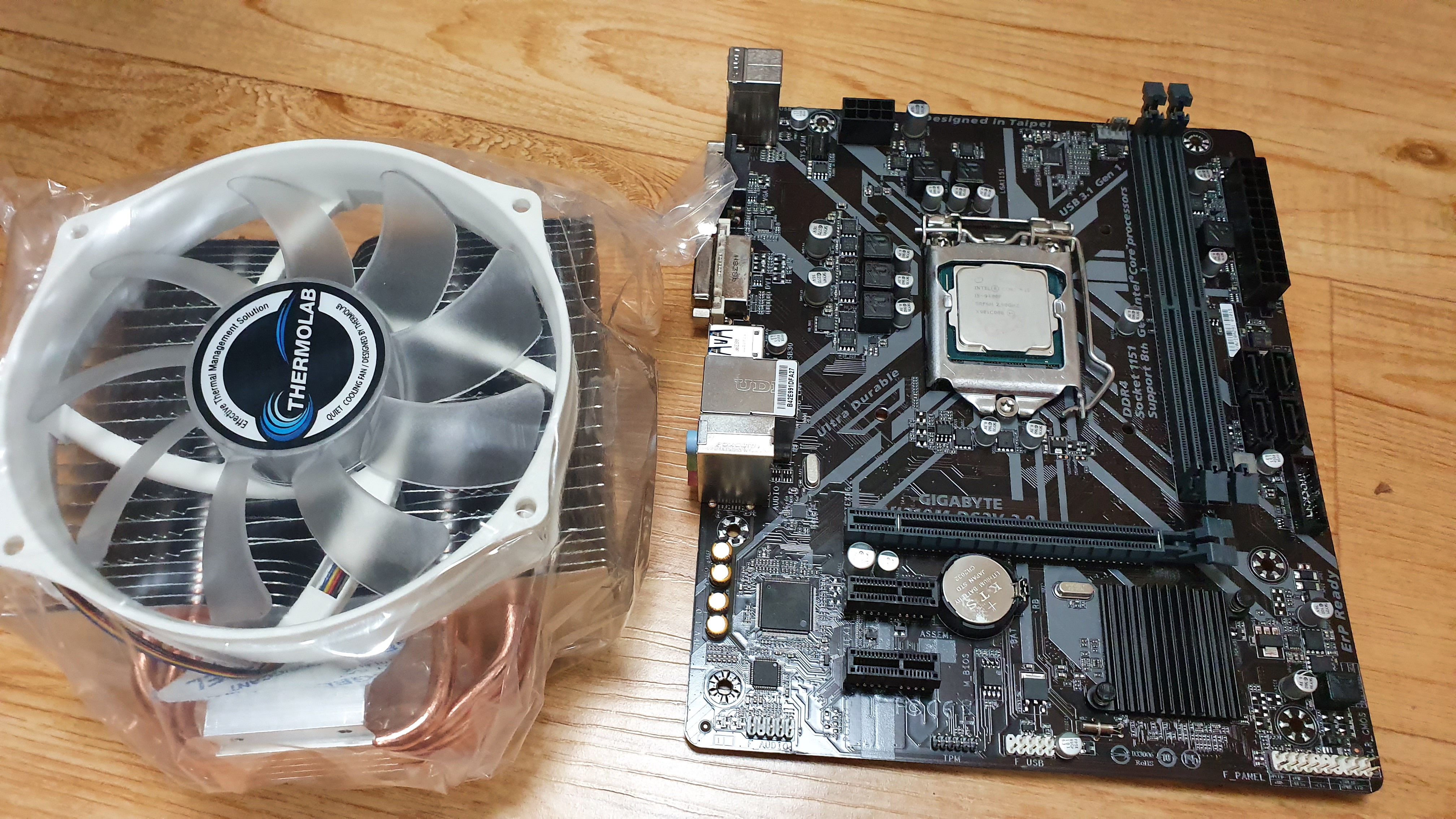
2. The cooler was bigger than I thought. I think there were two reasons it felt this big.
1) The Trinity I bought wasn't a particularly small tower cooler.
2) An M-ATX board isn't that large.
For these two reasons, the process of mounting the CPU cooler was extremely arduous. That is, mounting the CPU cooler wasn't the end — I had to install it in the case, so
3. The FT305 case wasn't one whose top panel opens. The top panel was joined as if it were one piece. Because of this, the process of connecting the CPU power cable was extremely hard. If I mounted the motherboard in the case and then tried to fit the Trinity, the Trinity was too big to fix easily; and if I attached the CPU cooler to the motherboard, fixed it in the case, then tried to connect the CPU power cable, the top panel wouldn't open, so I couldn't reach in to grip the cable properly and plug it into the board. It was an unexpected difficulty. In the end, I pulled the cable out long, attached the cooler to the board in advance, connected the power cable before fixing the board in the case, and only then fixed the board in the case. Of course that process wasn't easy either. Since it wasn't a modular power supply, the CPU power cables were all dangling and connected, so I had to pull out the trailing additional power cable well. After a struggle, I barely fixed the motherboard in the case. The part where the CPU power cable goes in is like this.
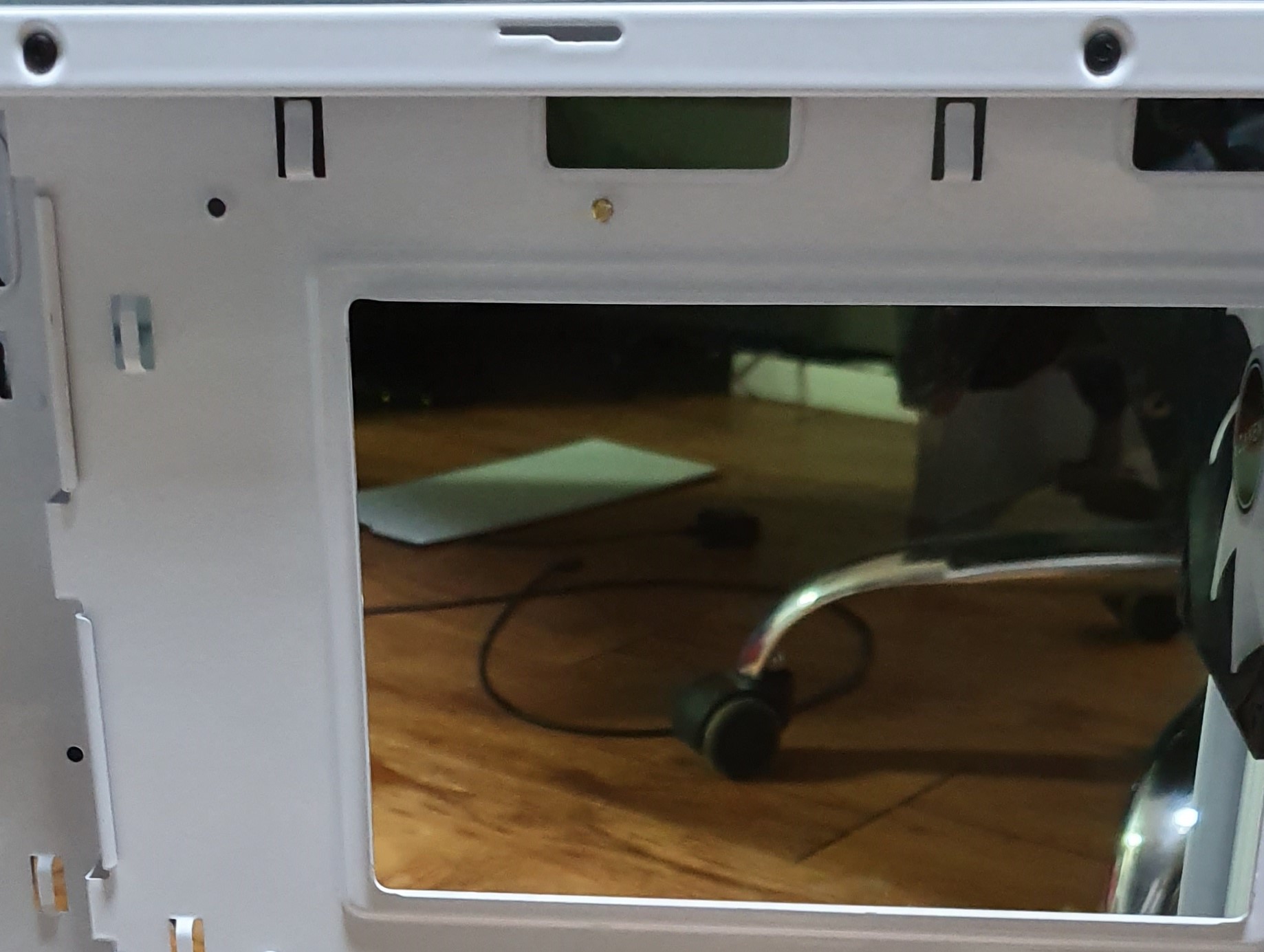
The hole at the top right is where the CPU power cable goes in, and I'd have to say that was too small. It's an awkward size, and since the 8-pin passes through exactly that much space, it was tight.
4. I wanted to add about two system fans on top. They weren't fans I owned; they were Darkflash bundle fans a friend gave me. When he bought a DLA22 he got a 2-row liquid cooler, and thanks to using that liquid cooler he ended up with a liquid cooler that had two LEDs. But I couldn't mount these coolers either. Because there were no screws. I didn't think the screws for a 120MM fan would differ in size from the screws provided with a normal case, but not a single screw of the right size fit. In the end I bought screws separately.
5. I picked up a driver to add a system fan as a top exhaust, but they were all small drivers, so I couldn't turn the screws. And while mounting the top fan I realized again that whether the top can be detached or not really matters when mounting top fans too. It was all the more so because the space between the board and the case wasn't ample.
6. The current state is as in the photo below.
If I borrow a driver from a friend, I will add the Darkflash fans. But even if I mount the fans, my current H310M board has no port to plug in a system fan, so I can't plug them in. And I don't know the exact airflow of the bundled fans, but it isn't as strong as I'd hoped, so even just playing WoW it hits over 50 degrees, and running PUBG it exceeds 60. Of course, this result is entirely my responsibility. The FT305 isn't a case targeting high-performance computers. There's not enough space to mount the radiator used in an AIO liquid cooler, so it's a bit awkward, and the front is blocked for design, but as much as that, I felt intake isn't good. Of course, from the front the case is really pleasing design-wise. But as much as the price is a little less burdensome, the lack of a reusable graphics-card slot cover and no front USB-C port tells you it was aimed at a light-performance computer. If I too had built an office computer with just a Ryzen APU and no graphics card, the cooler-mounting problem, the CPU-power-cable connection problem, and the heat-control-through-exhaust-or-intake problem I experienced above wouldn't have been considered problems at all. If you only do office work, idle temperatures won't rise. It's just that failing to handle the heat from working the graphics card and CPU hard while gaming is something I'll solve later by swapping the case.
7. The case criteria I'm thinking about going forward?
Using cases, I've come up with a few functions or design structures I need.
1) A case whose top can be disassembled so that top-fan mounting and CPU-power-cable connection are easy
2) A case where front-fan mounting is easy
3) A case that supports a front USB-C port
4) A case that has both a combined headset+mic audio port and separated ports; seems the hardest part. Most have only separated them, but laptops often combine them into one, so I think it'll gradually be applied to computer cases too.
5) A case whose stock fans perform decently
Looking at these conditions, apart from 5), these are functions seen in somewhat pricier cases. These days the Fractal Design Refine S2 seems to fit, so I'm debating it.
8. In the next post?
Probably, when a Z390 board comes, I'll swap the board. At that time.... at that time I'll probably have to do the hard CPU-power-cable connection work again.
Comments 0
No comments yet. Be the first.